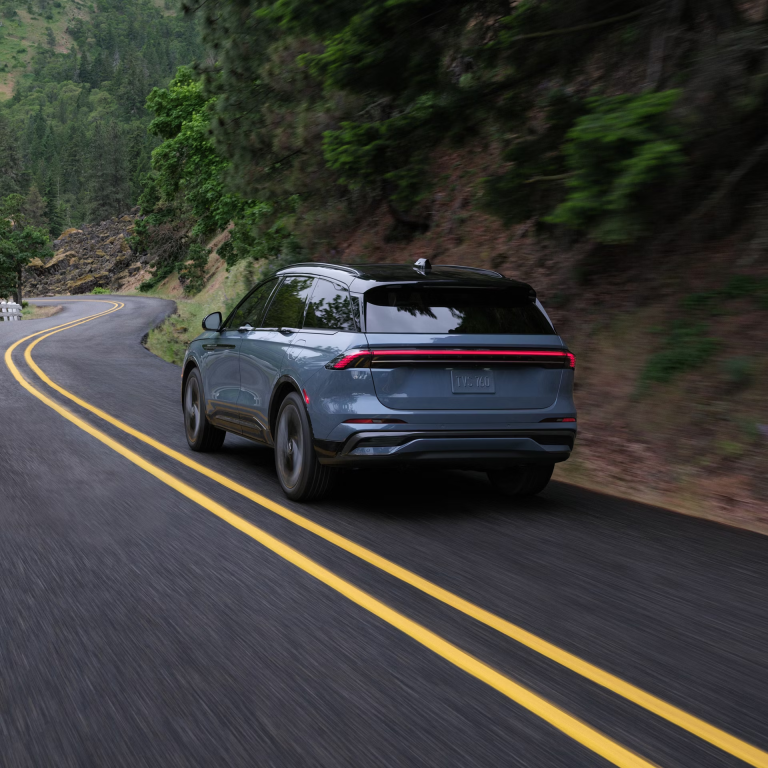
The Lincoln Co-Pilot360 system in the 2026 Lincoln Nautilus is a suite of driver-assistance features designed to help improve safety, awareness, and confidence on the road. It includes technologies like Blind Spot Monitoring, Lane Keeping System, and Adaptive Cruise Control, all working together to support the driver.
For those driving in changing conditions or busy traffic, Co-Pilot360 helps monitor surroundings and provide alerts or assistance when needed.
The Lincoln Nautilus is built for comfort and refined driving, and Co-Pilot360 enhances that experience by reducing stress during everyday driving situations.
How to Use Lincoln Co-Pilot360
Co-Pilot360 features are designed to work automatically, but drivers can adjust settings through the vehicle’s controls.
Step 1: Start the vehicle
Turn on the Nautilus to activate the driver-assistance systems.
Step 2: Access driver-assist settings
Use the touchscreen or steering wheel controls to view and adjust Co-Pilot360 features.
Step 3: Enable or customize features
Turn specific systems on or off, such as Lane Keeping System or Blind Spot Monitoring, based on your preferences.
Step 4: Drive normally
The system monitors your surroundings and provides alerts or assistance when needed.
Step 5: Stay attentive
Keep hands on the wheel and remain aware of your surroundings while the system is active.
When Co-Pilot360 Is Most Useful
Co-Pilot360 is most useful during everyday driving, especially in traffic or on longer trips.
Drivers often benefit from Adaptive Cruise Control during highway travel, where maintaining a consistent distance from other vehicles can reduce fatigue.
Lane Keeping System helps when driving on open highways, while Blind Spot Monitoring is useful in multi-lane traffic.
In Fort McMurray and the surrounding region, drivers experience a mix of highway travel, worksite commuting, and changing seasonal conditions. Co-Pilot360 helps provide additional awareness and support in these environments.
The system is also helpful during winter driving, where maintaining control and awareness becomes even more important.
Why Drivers Appreciate Lincoln Co-Pilot360
One of the biggest benefits of Co-Pilot360 is added confidence.
By monitoring blind spots, lane position, and surrounding traffic, the system helps reduce the likelihood of missed hazards.
The combination of features working together also helps create a smoother and more relaxed driving experience.
For drivers who spend time commuting or traveling longer distances, Co-Pilot360 helps make driving more comfortable and controlled.
Frequently Asked Questions
What is Lincoln Co-Pilot360?
Lincoln Co-Pilot360 is a suite of driver-assistance technologies designed to improve safety and awareness while driving.
What features are included?
Common features include Blind Spot Monitoring, Lane Keeping System, Adaptive Cruise Control, and more depending on the vehicle.
Does Co-Pilot360 drive the vehicle automatically?
No. It assists the driver, but the driver must remain in control at all times.
Can drivers customize the system?
Yes. Many features can be adjusted or turned on and off through the vehicle’s settings.
Is Co-Pilot360 useful for highway driving?
Yes. It is especially helpful for maintaining distance, staying in lane, and monitoring surrounding traffic.
Drivers interested in learning more about the 2026 Lincoln Nautilus and its advanced technology features can visit Northstar Lincoln in Fort McMurray or explore available inventory online.